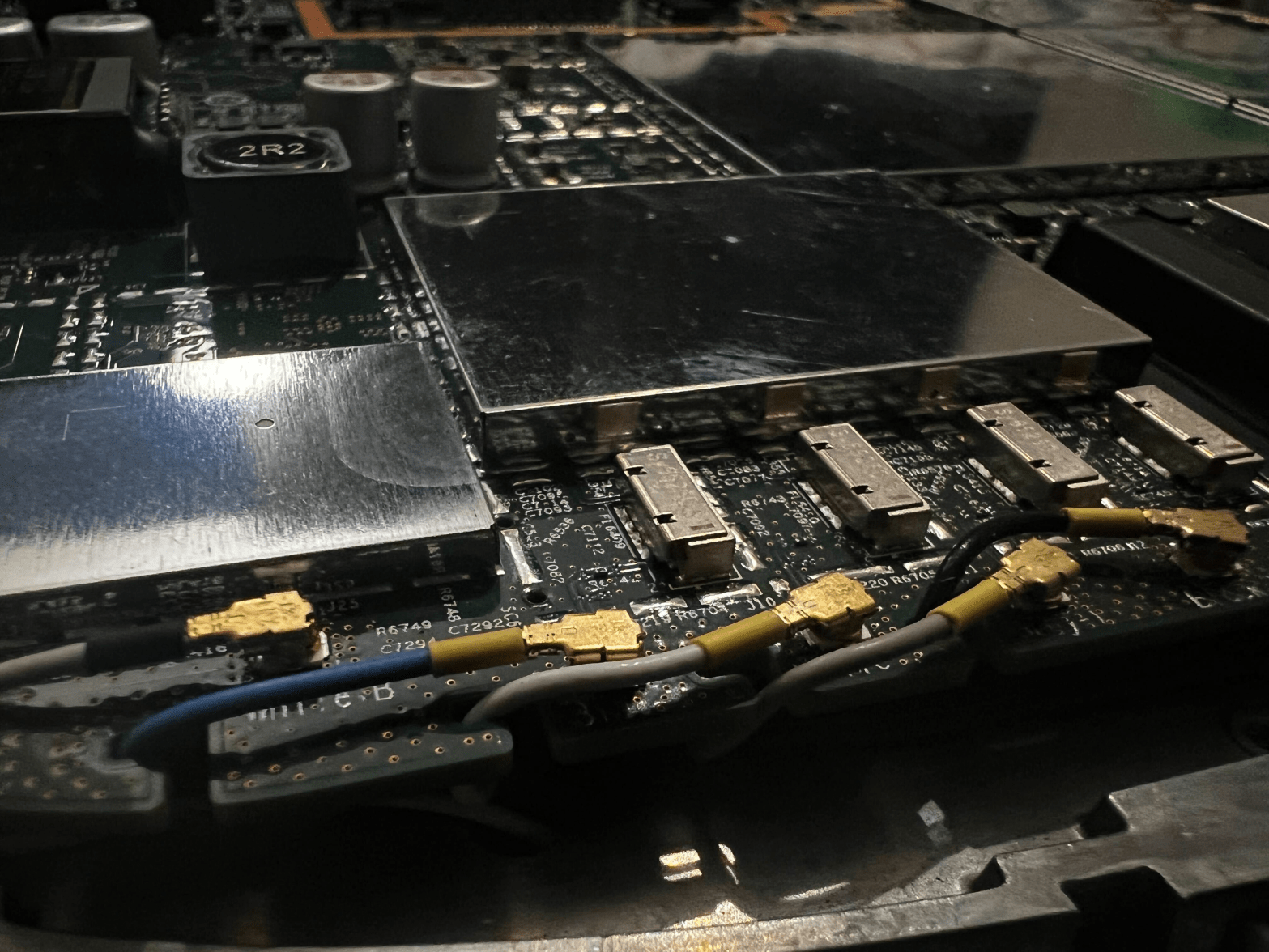
Cisco Catalyst 9136 is the first 6GHz AP from Cisco, and it is really one beast of an AP. But what does it look like inside? I know you want to know, so let us have a look.
Hi, Cisco RMA team, this is not the AP you are looking for…
To give it a bit of context, this AP has a 4×4 2.4GHz radio, dual 4×4 5GHz Radio‘s (8×8 5GHz), 4×4 6GHz Radio, ZigBee, Bluetooth, environment sensors and a new CleanAir® chip. It also have dual 5|2.5|1Gbps ports and a USB port.
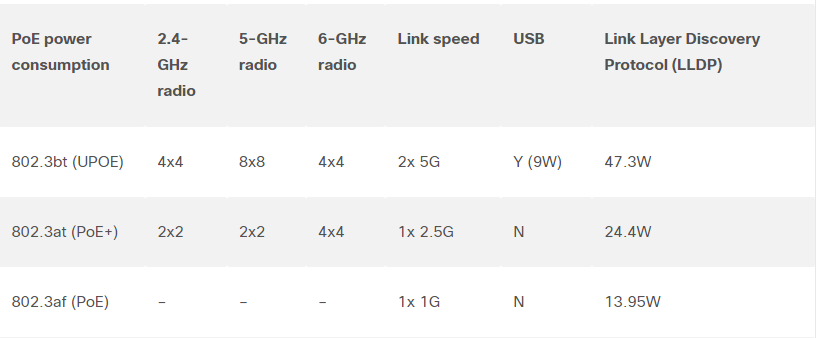
To enable it all, you need some power! UPOE to be exact, so remember to to buy switches with enough PoE power and with 802.3bt (UPOE) if you are going to buy this AP. It will still boot on PoE+ but then you cannot enable all radios.
You can read more about the AP here Cisco Catalyst 9136 Series Access Points Data Sheet. Below is the PoE requirements.
Now, let us start looking at this AP….. from the inside!
Note! I have worked with fixing computers for many years, and I am very careful before touching any electronics. If you do not know what to do, don’t do it.
A look inside
Now where should the cables go? Look at the PCB. Nice work!
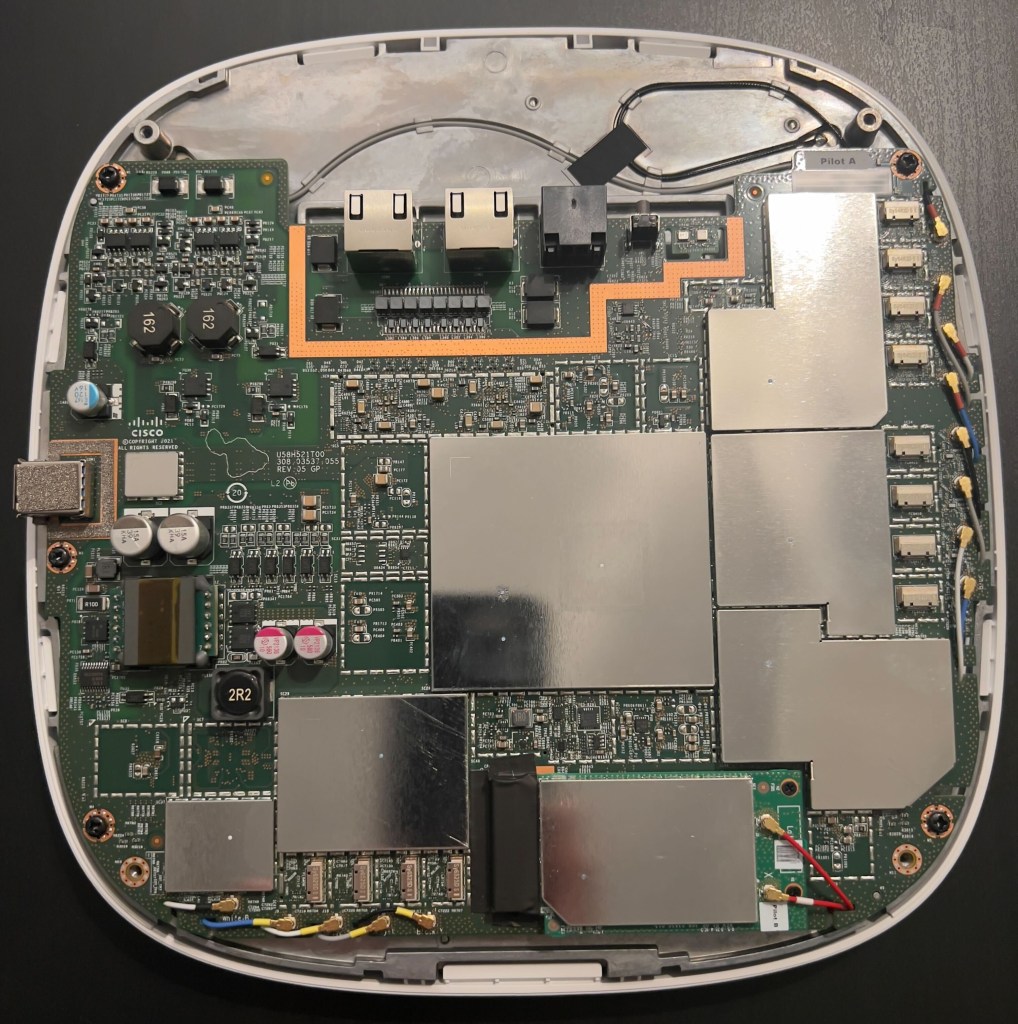
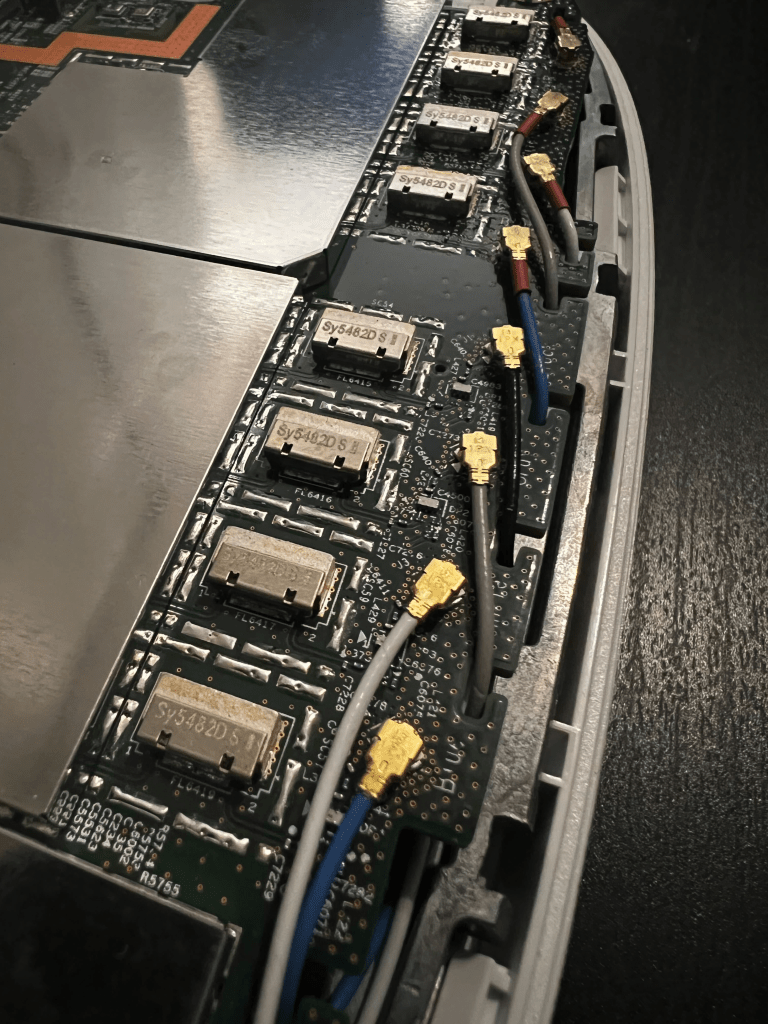

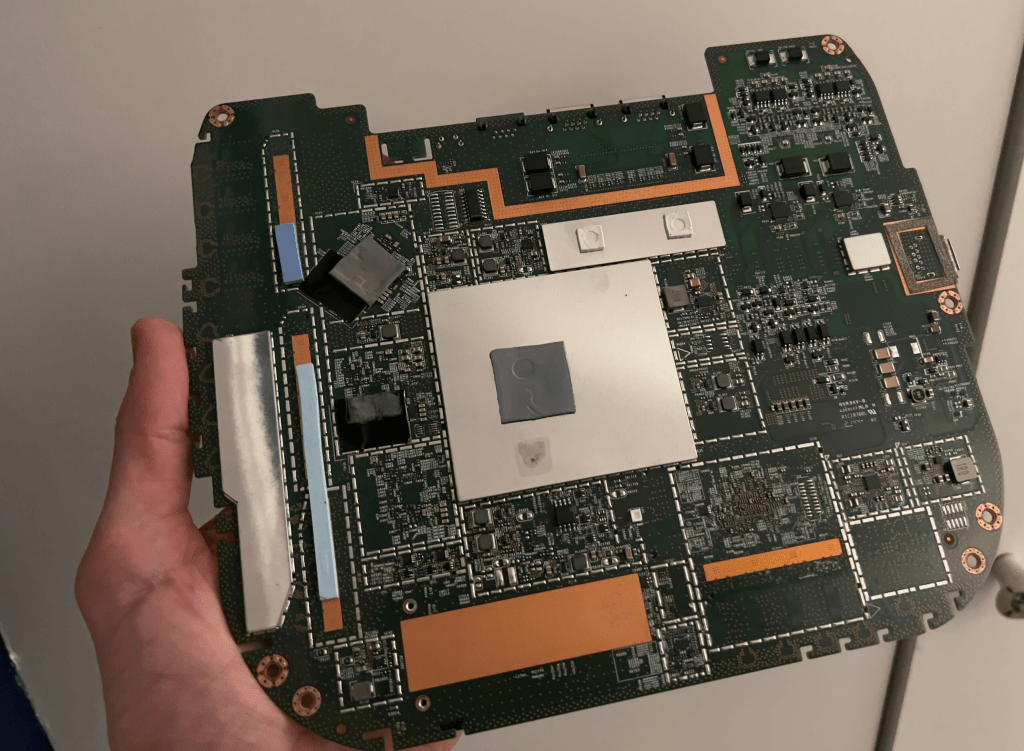
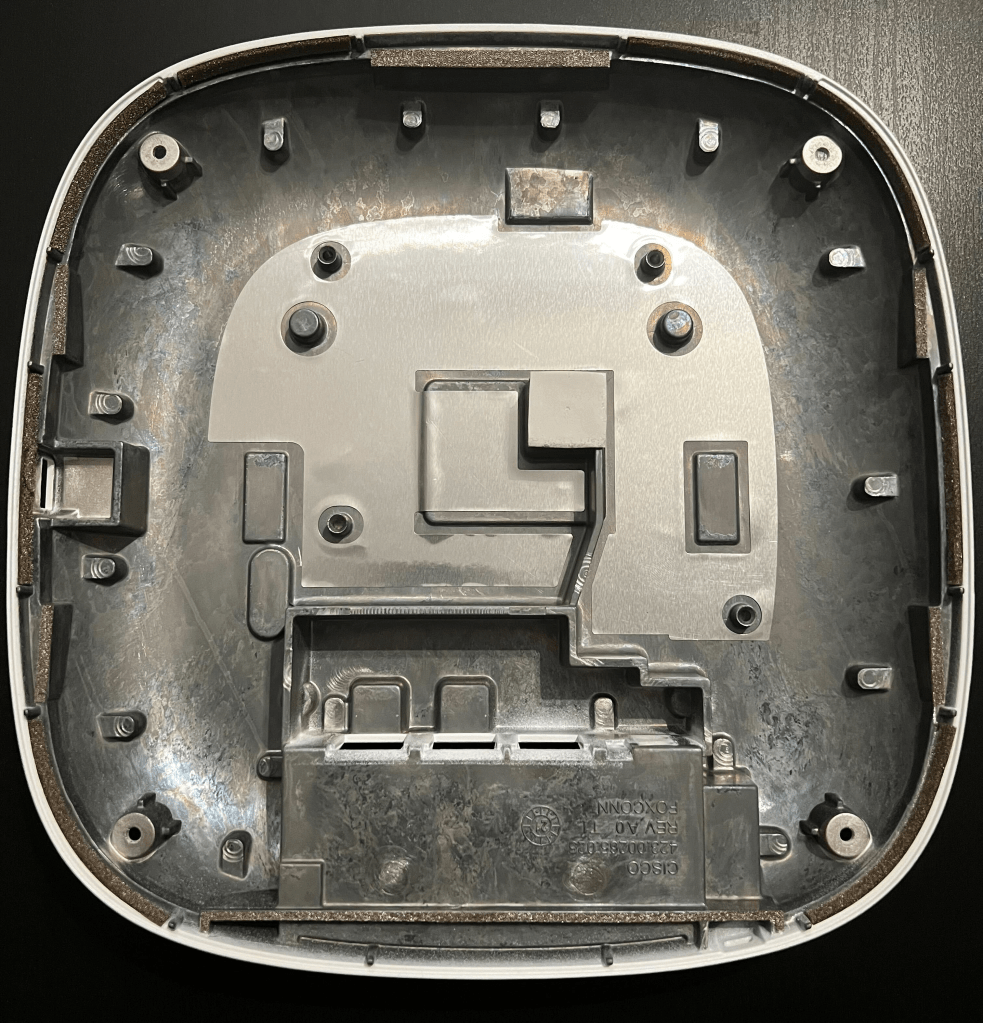
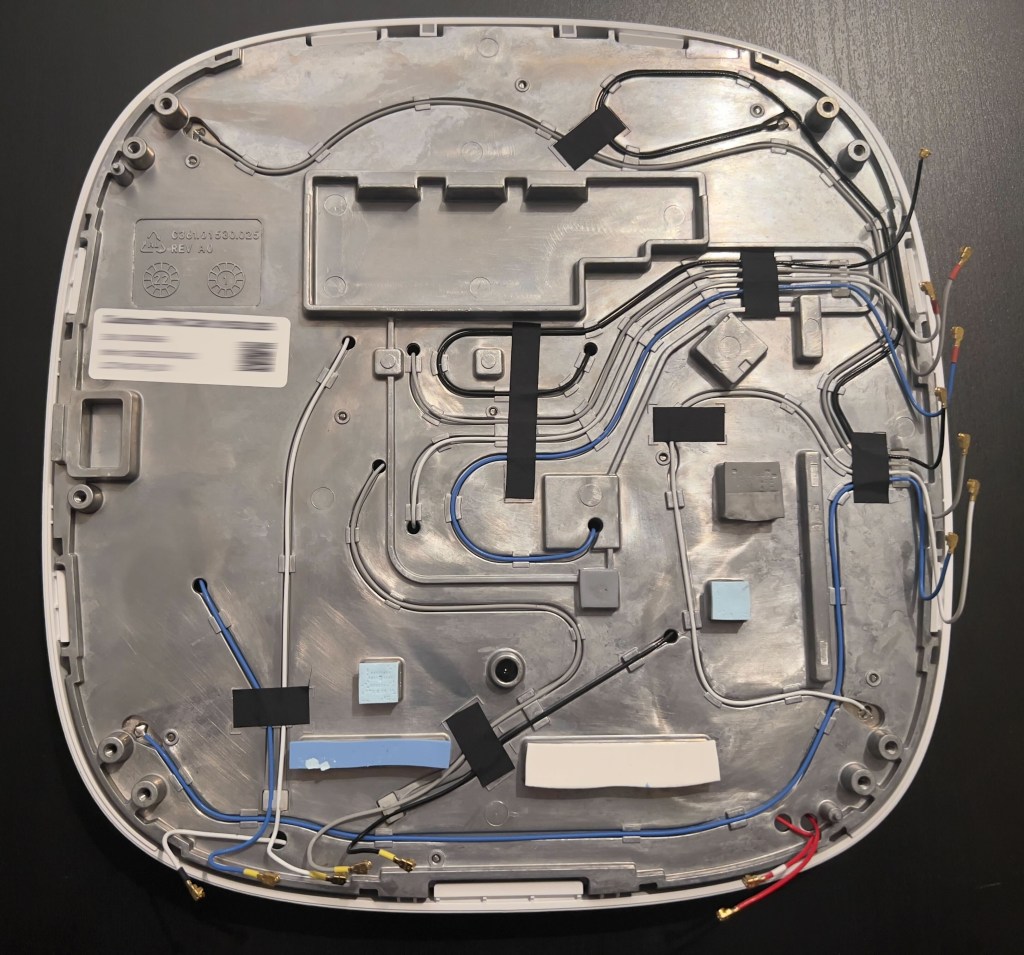
Hope you liked the pictures, now you know how it looks like on the inside. 🙂
Does it still work? Of course
On this picture you can see an iPhone connected to my OpenRoaming SSID (5GHz) and a client connected to my TGN-6 on 6GHz. Look at AP RRM, I did take many speedtests to see the numbers getting higher.
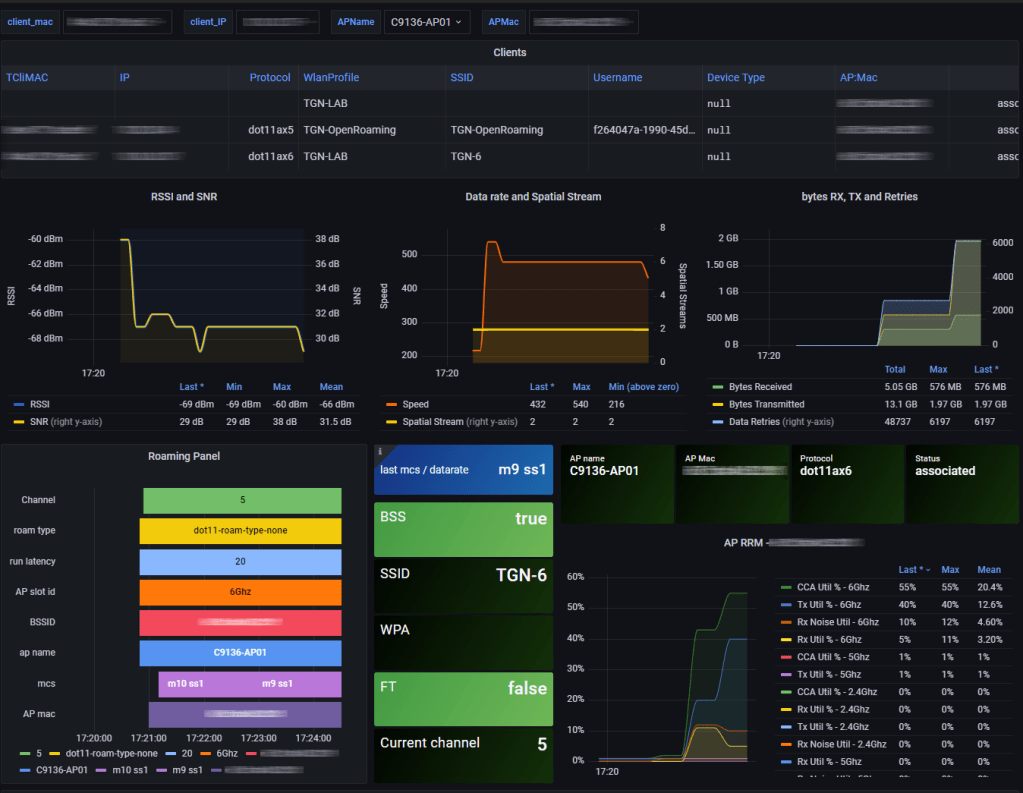
On this next picture I turned on the sensors.

The AP works, no surprise.
Great work Cisco! I love this AP!
#C9136 #6GHz #CiscoChampion
 Wireless TechDectives